

You need permission to edit the Moodle course, and your administrator must have configured StudyStash as an external tool.
1

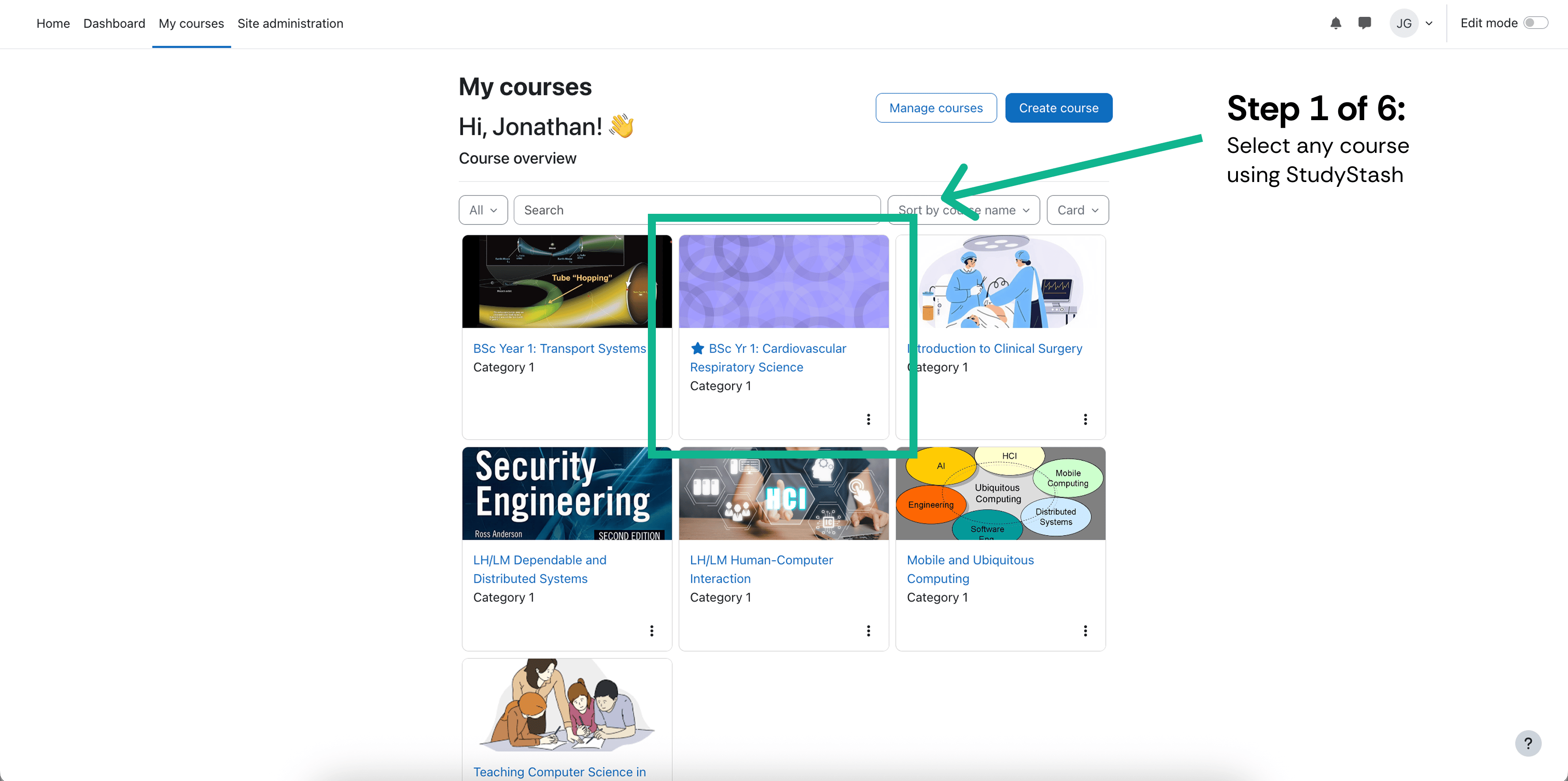
Open your course

In My courses, select the course where you want to add StudyStash.
Open your course

Open your course

2

Turn on Edit mode

Enable Edit mode at the top of the course.
3

Add an activity

In the relevant section, select the + button and choose Activity or resource.
4

Choose StudyStash

Select StudyStash from the activity chooser.
5

Name the activity

Enter StudyStash in Activity name.
6

Save and check

Select Save and return to course. Open the new activity and check that you can access StudyStash. If you are helping an administrator test the connection, ask them to start the connection test before you open it.

If StudyStash is missing

Ask your Moodle administrator to check that the preconfigured tool is available in the activity chooser. If access still fails, contact support with the course URL and the error message.