

Why enable SSO during a pilot
→ Full screen access: students can use StudyStash in its own window, which many find easier to use, particularly for accessibility. → Direct sign-in: students who go straight to the StudyStash website can sign in without needing a code. → Dashboard sign-in: staff who have been granted Admin Dashboard access can use SSO to sign in. SSO does not grant additional permissions; the pages and reports available depend on the access assigned to your account. Instructors can try it first: we recommend including instructors as well as students, so they can explore and test the platform before introducing it to their class.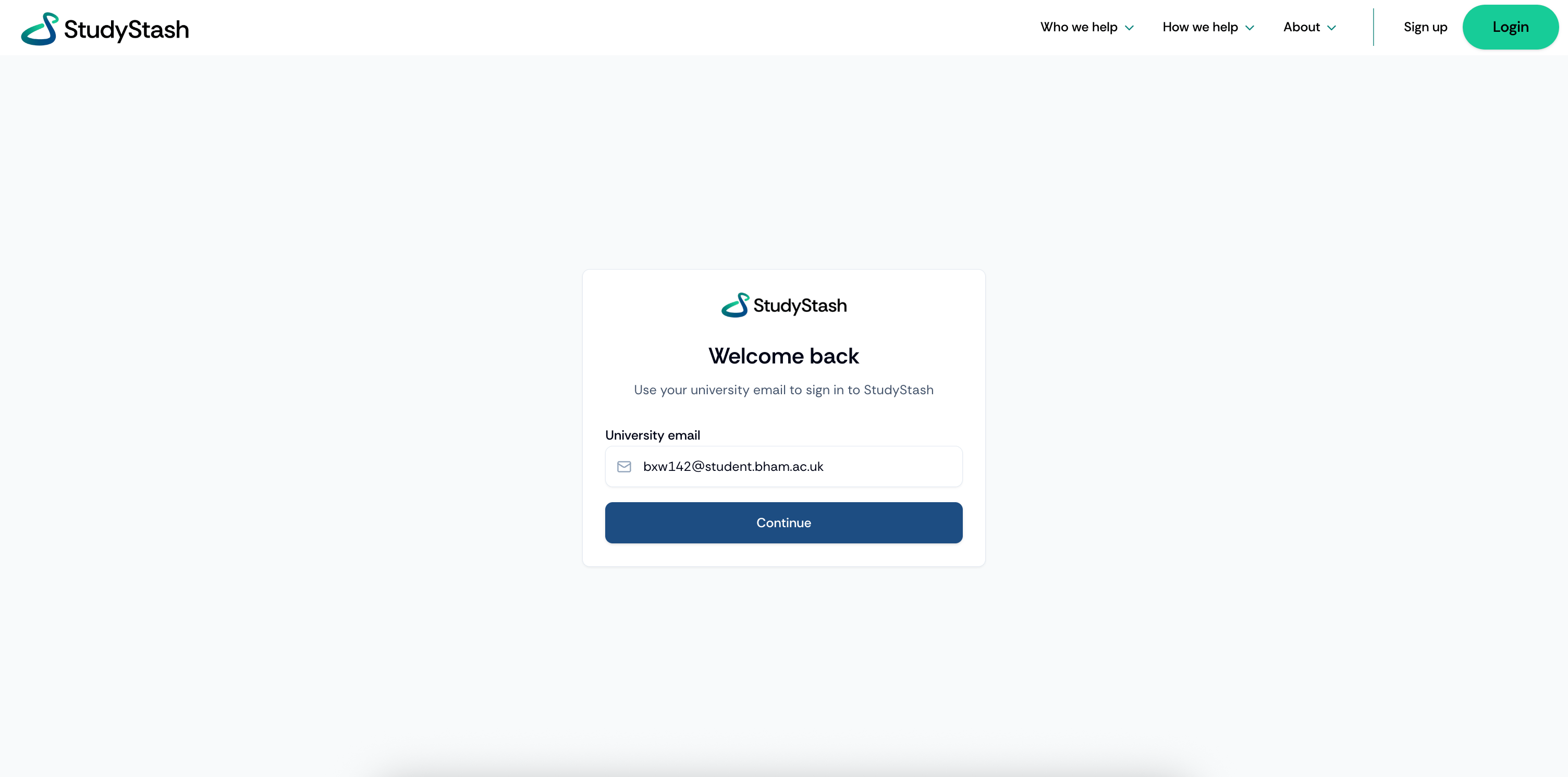
Signing in with StudyStash SSO without a sign-in code or password.
Why we don’t recommend scoping SSO
Since students only hear about StudyStash through their instructor, extra sign-ups are rare and free of charge, rosters never need syncing and SSO can always be scoped later if needed.- Shared via instructors: students hear about StudyStash through the instructors running the pilot.
- No lists to maintain: students who join late are not locked out.
- No extra cost: we do not charge for extra sign-ups.
- Fully reversible: SSO can be scoped later if needed.
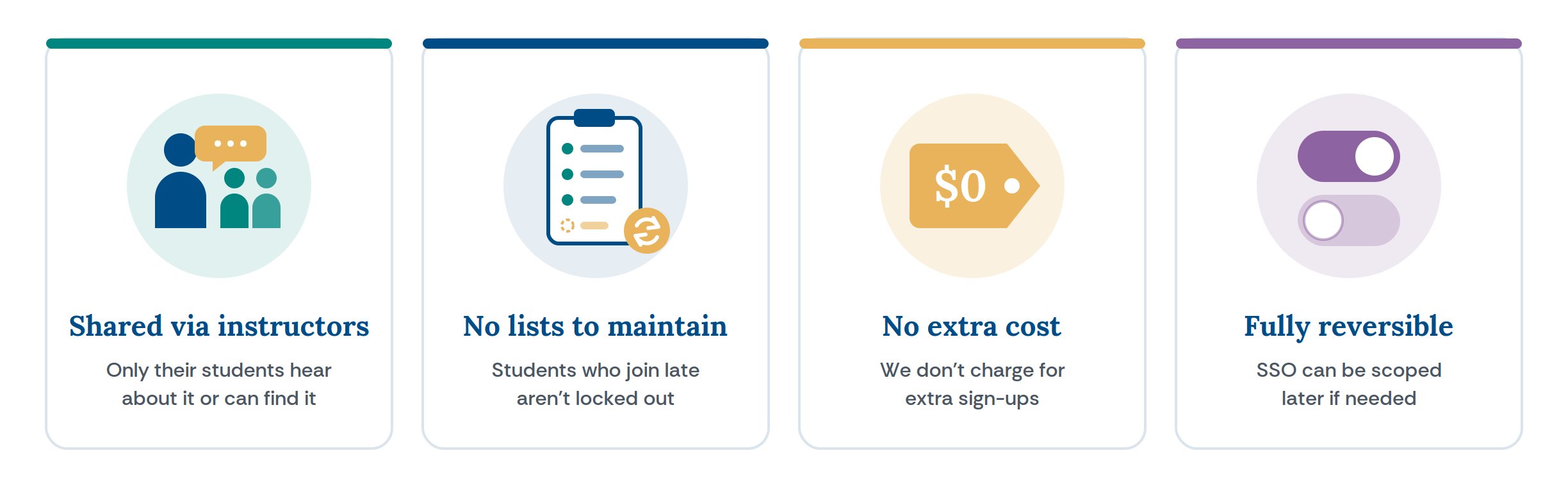
Four reasons to leave SSO unscoped for your pilot.